
Last updated:
Reading past the picture: where occlusion, noise and drift meet the deliverable
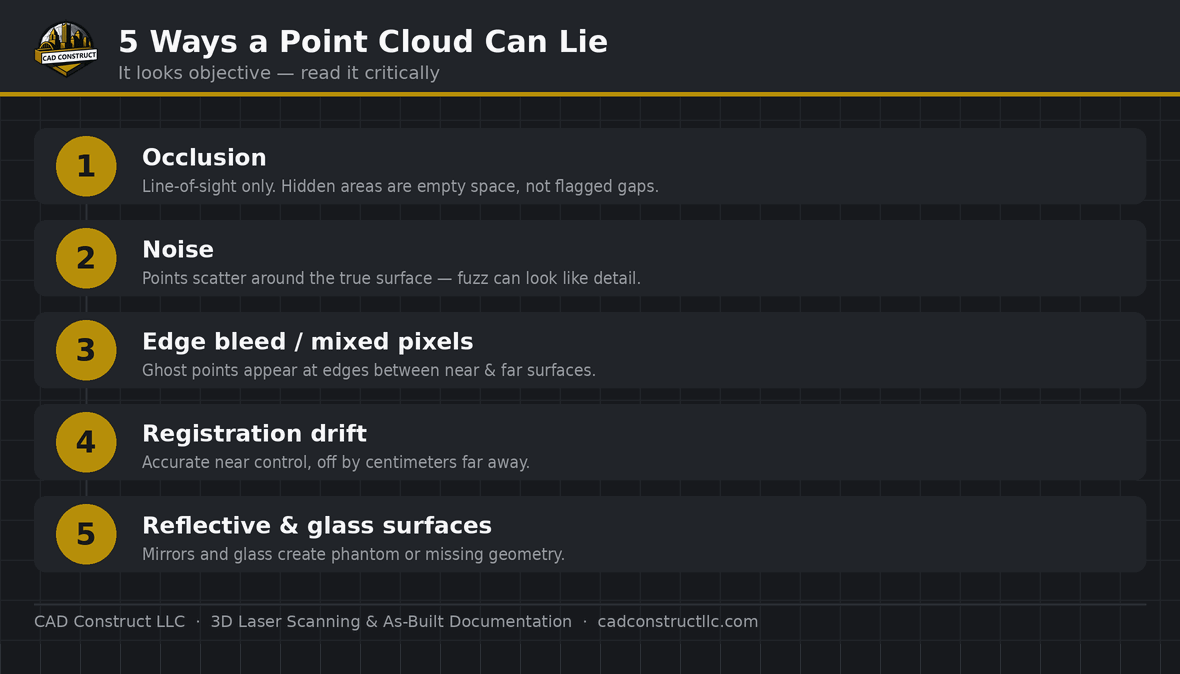
Short answer: A point cloud looks like objective reality, but it can mislead in five predictable ways: occlusion gaps (what the scanner couldn’t see), noise, edge bleed / mixed pixels, registration drift, and reflective or glass surfaces. Reading a cloud critically — and demanding survey control plus a verification report — keeps you from trusting a gap or an artifact as if it were fact.
Point clouds are persuasive. Millions of measured points, photo-real color, a 1:1 record of a building — it feels like objective truth you can measure against. Mostly it is. But a point cloud only knows what the scanner saw, how well the setups were aligned, and how the surfaces behaved. Here are the five places that “objective” record can quietly lie, and how to read one with a critical eye.
1. Occlusion — the gaps it doesn’t advertise
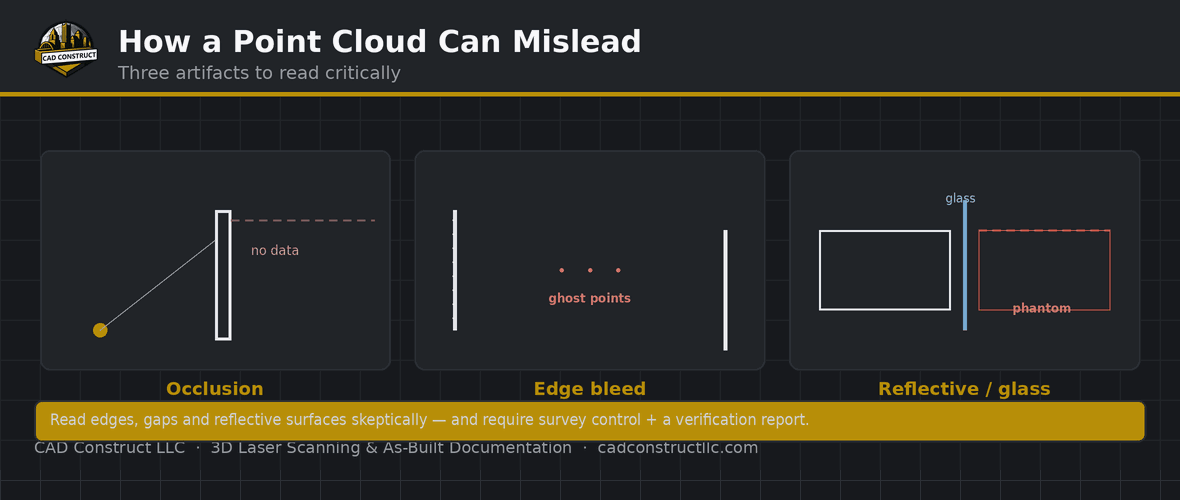
A scanner only records line-of-sight. Anything hidden behind a column, above a duct, or blocked by furniture simply isn’t there — and the cloud doesn’t flag the hole, it just shows empty space. The danger is assuming “no points” means “nothing there.” Good capture plans setups to minimize shadows; good deliverables note where coverage was limited. Always ask what wasn’t captured.
2. Noise — points that aren’t quite where they claim
Every scanner has a noise floor: measured points scatter slightly around the true surface. On a flat wall that’s harmless; on fine features or long-range shots it blurs the edge between “real detail” and “measurement fuzz.” A tight LOA specification and appropriate scan density keep noise from being mistaken for geometry.
3. Edge bleed and mixed pixels
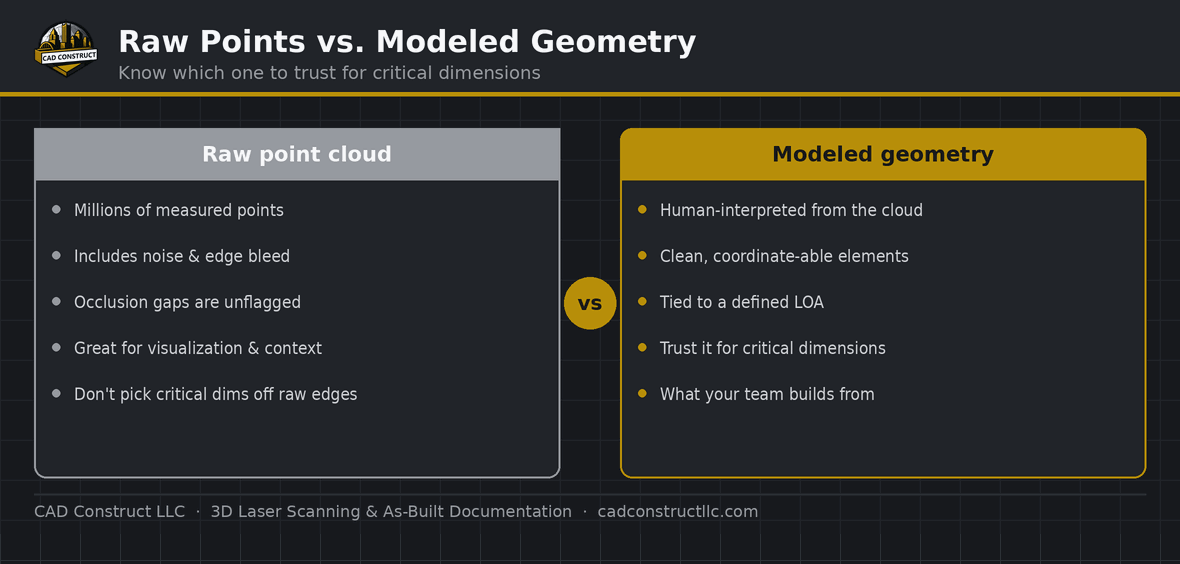
At the edge of an object — a doorframe, a pipe, a beam — a single laser pulse can straddle two surfaces at different depths and average them, dropping a “ghost” point in empty space between near and far. These mixed pixels make edges look fuzzy or add phantom material. Read edges skeptically, and lean on the modeled geometry (built by a person interpreting the cloud) for critical dimensions rather than picking raw points at a boundary.
4. Registration drift — accurate here, wrong over there
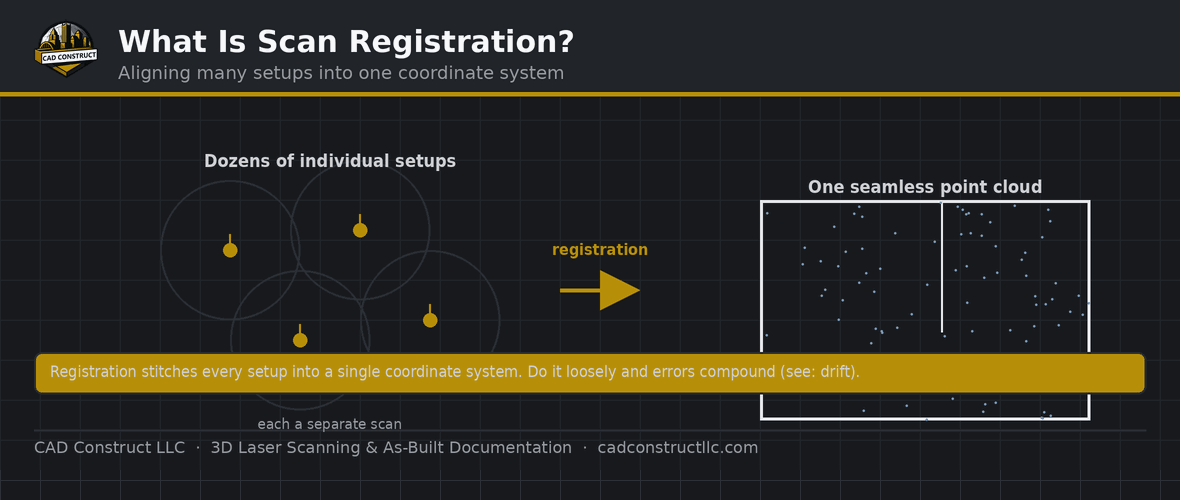
If the individual setups weren’t tied to survey control, small alignment errors accumulate across the building. The cloud looks seamless, but far corners can sit centimeters from where they belong. Drift is invisible on screen and only shows up against an independent check — which is why registration quality matters as much as scanner accuracy.
5. Reflective and transparent surfaces
Glass, mirrors, polished metal, and water break the assumptions a laser relies on. A mirror can drop a full “reflected room” of points behind the glass; a window may register the view outside instead of the pane; shiny surfaces scatter and go noisy or missing. Un-flagged, these artifacts read as real geometry. Experienced crews note and clean them; unaware ones leave a mirror-world in your model.
How to read a point cloud critically
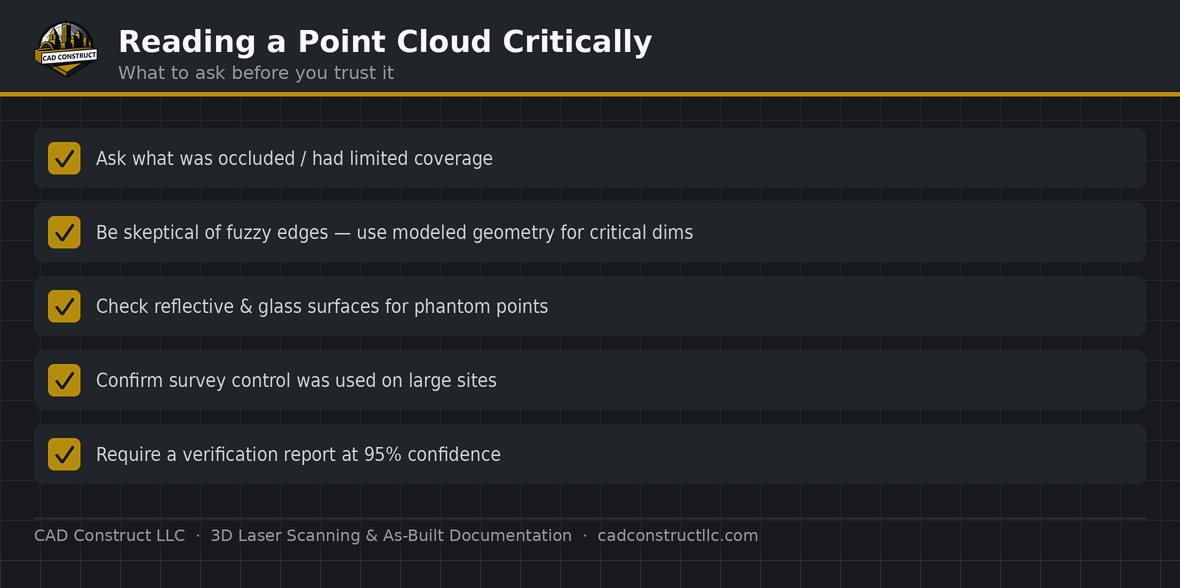
Treat a cloud as strong evidence, not gospel. Ask what was occluded, be skeptical of edges and reflective surfaces, and trust modeled geometry over raw edge points for critical dimensions. Most important, insist on the two things that make a cloud verifiable: survey control and a field-verification report at 95% confidence. Our 3D laser scanning and as-built documentation are captured and modeled with these limits in mind — and documented so you know what you can and can’t trust.
Frequently asked questions
Does a point cloud show everything in a building?
Only what the scanner could see. Occluded areas — behind, above, or inside things — appear as empty space, not as flagged gaps.
Why do edges in a point cloud look fuzzy?
Edge bleed / mixed pixels: a laser pulse straddling two depths averages them, dropping ghost points between near and far surfaces.
Can a point cloud be accurate in one area and wrong in another?
Yes — that’s registration drift. Without survey control, alignment errors accumulate and far areas can be off by centimeters.
Why do windows and mirrors cause problems?
Lasers assume opaque, diffuse surfaces. Glass and mirrors reflect or transmit the beam, creating phantom or missing geometry that must be cleaned.
How do I know a point cloud is trustworthy?
Require survey control and a verification report at 95% confidence, and ask what areas had limited coverage.
Related resources
- Registration error: the hidden cost of cheap scans
- USIBD Level of Accuracy (LOA), explained
- 3D laser scanning in Pittsburgh
Want a cloud you can actually trust? Request a quote.

CAD Construct LLC
3D laser scanning, as-built documentation, scan-to-BIM & 360° virtual tours across Pittsburgh & Western PA — 20+ years turning existing buildings into field-verified digital records. cadconstructllc.com



0 Comments